If your phone suddenly loses service after an unexpected KYC or eSIM call, contact your operator immediately. CERT-In warns that sudden service loss may indicate a SIM swap attempt. Use another phone for urgent calls. If money has gone missing, start the bank and cybercrime steps below straight away.
How criminals take over your number
A SIM swap moves your mobile number to a replacement SIM controlled by someone else. CERT-In describes criminals collecting personal information, obtaining a duplicate SIM with fake identity documents and getting the genuine SIM deactivated. They then use stolen account information and OTPs received through the replacement to attempt unauthorised transactions.
An eSIM is a digital SIM installed on a compatible device. In UCO Bank's eSIM fraud example, a fake telecom caller threatens disconnection over pending KYC. The victim is persuaded to send instructions registering the criminal's email address and approve an eSIM request. The activation code reaches the criminal, who activates the replacement.
Treat an unsolicited “eSIM upgrade” offer with the same caution. Never forward a caller's dictated SMS or approve a conversion you did not choose. UCO Bank advises using your operator's verified website or authorised outlet. Read each confirmation yourself, even if the caller says it is only routine verification.
Warning signs
- Your phone unexpectedly shows “No Service” or stops receiving calls and texts. CERT-In says to report sudden service loss immediately; treat it as a warning to investigate, not proof by itself.
- You receive a SIM-change or eSIM message for a request you never made. Contact your operator straight away through its official app, website or helpline.
- Unexpected OTPs or eSIM confirmations arrive. UCO Bank's advisory says to alert your service provider about OTPs you did not request. Do not approve anything to “cancel” it.
What the SMS and porting rules actually say
DoT's order dated 27 September 2022 requires both incoming and outgoing SMS to be barred for 24 hours on the new SIM after activation following swapping or replacement. Vi's current eSIM page confirms a 24-hour SMS restriction, including OTPs, after eSIM activation. This is no reason to delay reporting suspected takeover.
A separate TRAI amendment, dated 14 March 2024 and effective from 1 July 2024, prevents a Unique Porting Code being issued within seven days of a SIM swap or replacement. TRAI's current FAQ retains that condition. This concerns eligibility to move your number between operators, rather than a seven-day SMS block.
Recognise a genuine replacement request
Initiate the process yourself and follow your operator's current instructions. DoT's KYC reforms say complete KYC is required for SIM replacement. Verification calls can be genuine: Airtel publishes a confirmation-call step for an eSIM request you initiate. Only approve a change you understand and requested.
- Airtel: its replacement guidance says to carry original identity proof to a retailer or Airtel store, with postpaid replacements handled at an Airtel store. Its eSIM page describes an Airtel app request, your device's EID, an OTP and call confirmation. Enter details only in the official process you started.
- Jio: its eSIM instructions describe using MyJio, verifying your email, supplying the intended device's EID, verifying your mobile number and confirming through an automated call. Check the email and device details yourself before proceeding.
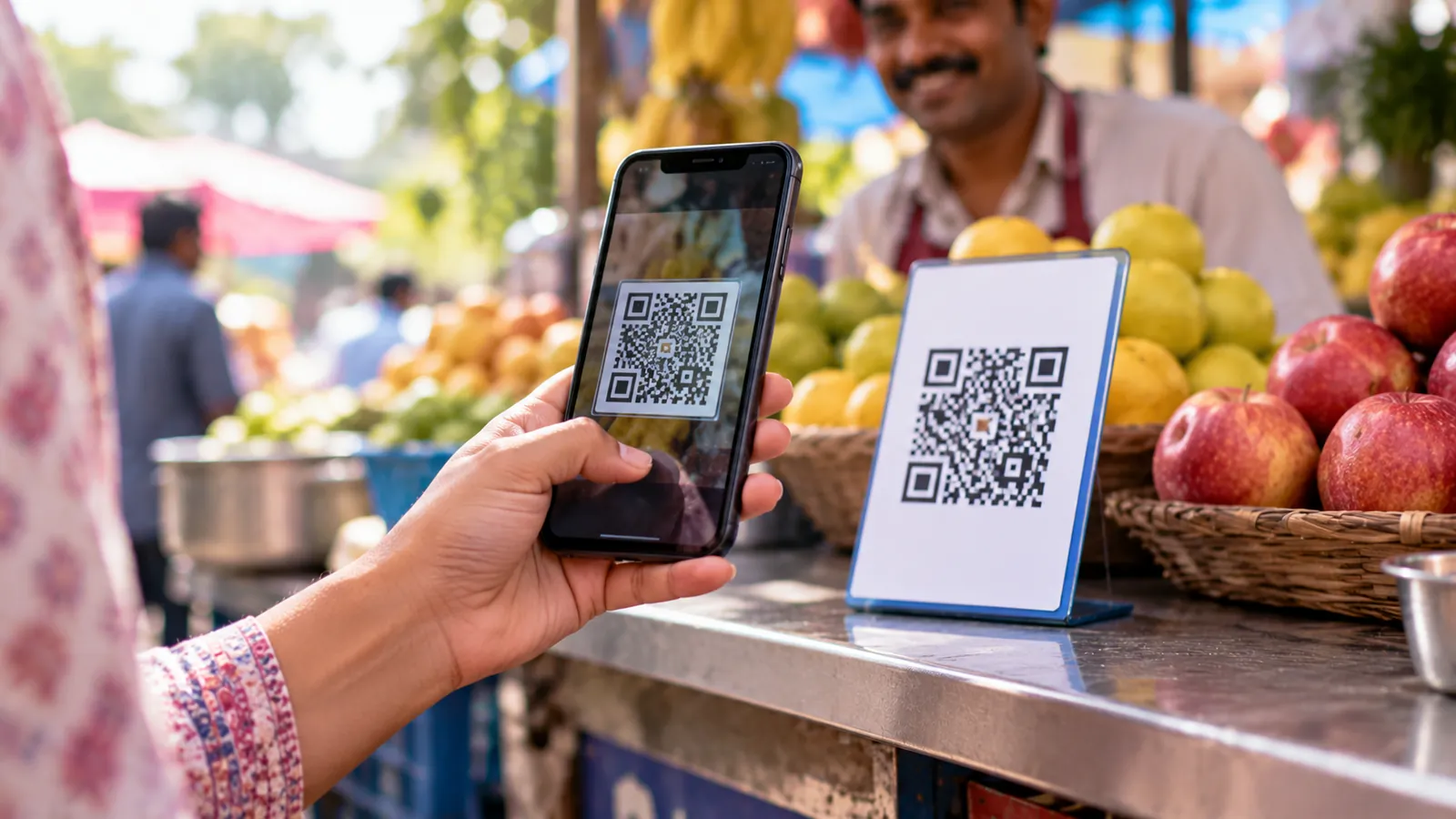
- Vi: its SIM-exchange FAQ requires original identification and a form supplied at the store. Its eSIM page describes an app request, device details, OTP verification and confirmation SMS. Vi explicitly warns against sharing the eSIM QR code because this can allow unauthorised access to your number.
- BSNL: its official Tamil Nadu and Puducherry announcement describes KYC at a Customer Service Centre followed by QR-code activation. Confirm the process for your location with BSNL support before travelling. Its mobile helpline from another network is 1800-180-1503. Do not substitute instructions from an unsolicited caller.
Protect your number and accounts
Never share OTPs, PINs or passwords with a caller, as CERT-In advises. Never send your eSIM QR code to anyone; Vi warns against this. Keep the activation email private too. If someone asks you to install an app for “KYC help”, stop and independently contact your operator.
Use strong, unique account passwords and enable multi-factor authentication, following CERT-In's guidance. Check your email recovery details and signed-in devices using your provider's security settings. Google's account-security guidance explains these checks. Where offered, set up a security key and keep recovery codes somewhere safe before an emergency. Review our UPI scam guide alongside these precautions.
Check Sanchar Saathi's “Know Mobile Connections in Your Name” service periodically. Log in using the OTP yourself and review the listed connections. Use “This is not my number” for an unfamiliar connection or “Not required” for one you no longer need. Reported connections are flagged for operator re-verification.
What to do in the first hour
1. Contact your operator from another phone. Use its official website, app or store. Ask whether a replacement or eSIM request exists, request cancellation or blocking of the unauthorised SIM, and obtain a complaint reference. UCO Bank specifically advises asking the operator to block the fraudulent eSIM. Record when service stopped.
2. Call your bank immediately. Use the number on your card or its official website. Explain the suspected takeover, identify unauthorised transactions and ask it to block affected payment channels, cards and access. RBI requires immediate steps to prevent further unauthorised transactions after notification. Keep the complaint number and time; do not wait for network restoration.
3. Report financial fraud on 1930, then complete the complaint at cybercrime.gov.in. I4C confirms that telephone complaints must subsequently be completed online. Explain that your registered number is unavailable and provide an alternative contact. Keep transaction references, messages and a timeline. Our online-fraud first-hour guide provides a fuller checklist.
4. Secure email from another trusted device. Change your email password and any reused passwords. Review recovery numbers, recovery email, unfamiliar devices and forwarding rules, following Google's recovery guidance. If locked out, use the provider's official account-recovery route.
If the handset itself is missing, follow our lost or stolen phone guide for the separate handset-blocking process. Keep working through the bank and operator reports while someone you trust helps organise the information.
What RBI protection depends on
Under RBI's commercial-bank directions (updated as on 1 October 2026), zero liability applies to contributory bank fraud, negligence or deficiency. It also applies to third-party breaches where neither you nor the bank is at fault, reported within three working days of receiving the bank's communication. Where your negligence caused the loss, such as sharing payment credentials, you bear losses until reporting; subsequent losses fall on the bank. The bank bears the burden of proving customer liability.
Ask your bank to apply the relevant rules and provide its decision in writing. Do not assume every SIM-swap loss qualifies automatically: RBI's directions distinguish the cause and reporting time. This guide is practical information, not legal advice.
Report the suspicious call through Chakshu
Report suspected fraudulent calls, SMS or WhatsApp messages promptly through Chakshu; its examples include SIM and KYC update scams. The same page says that if you have already lost money, you should report at 1930 or cybercrime.gov.in instead. For impersonation threats, read our digital-arrest scam guide.
Help an elderly parent without blame
Agree a simple response together: “I will contact the operator myself.” Practise ending an unexpected KYC call without following instructions. CERT-In's senior-citizen guidance says never to share OTPs, PINs or passwords with strangers. Help your parent read the whole message before taking any action.
Write down verified operator and bank contacts, and offer to accompany them to the store. If something happens, say, “Thank you for telling me. Let us make the calls together.” Let them stay involved, record complaint references and help with reporting. Avoid scolding or asking them to hand over passwords.